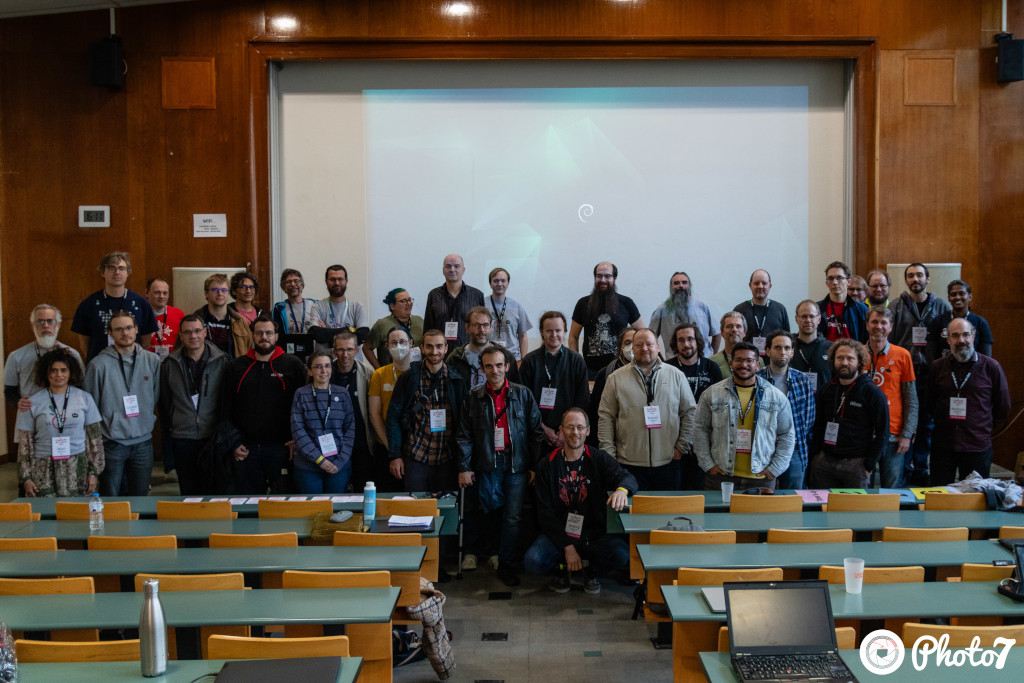
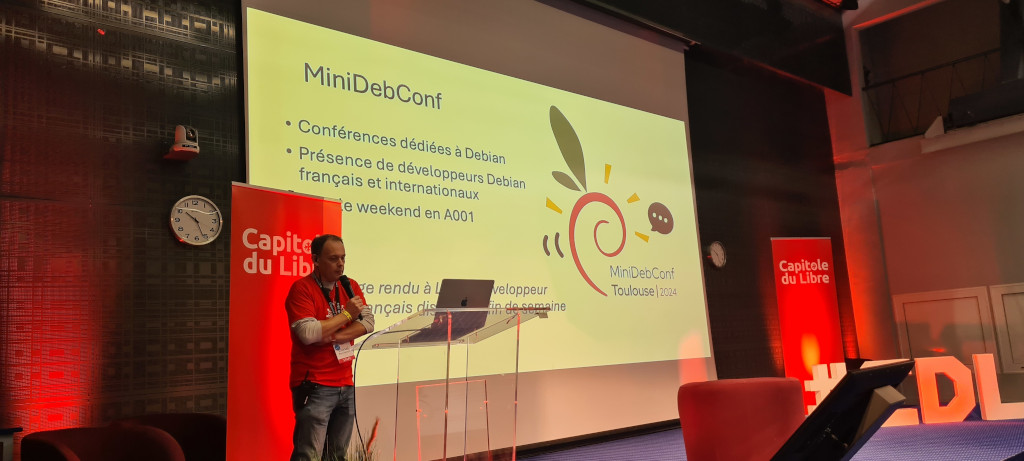
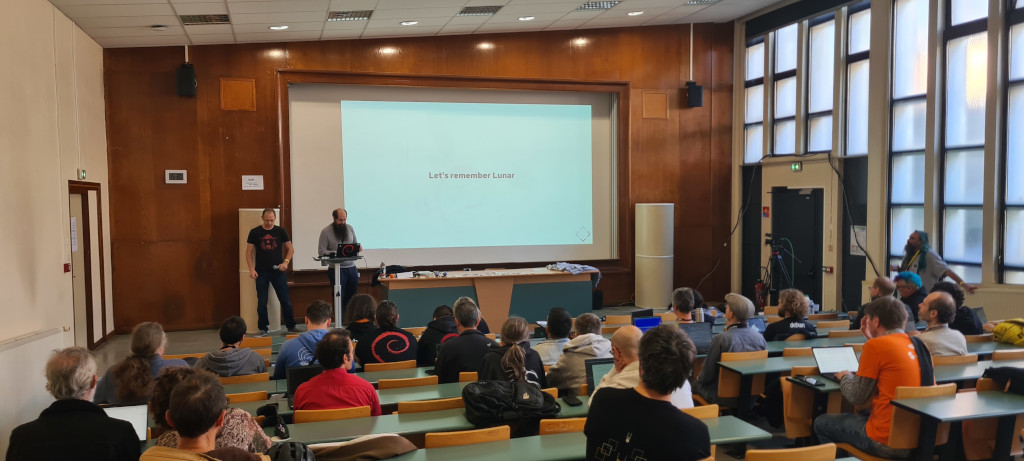
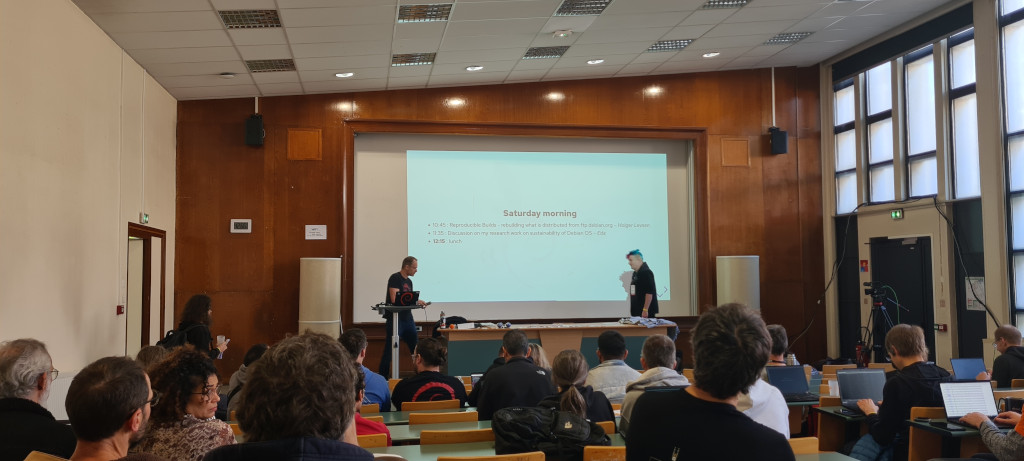
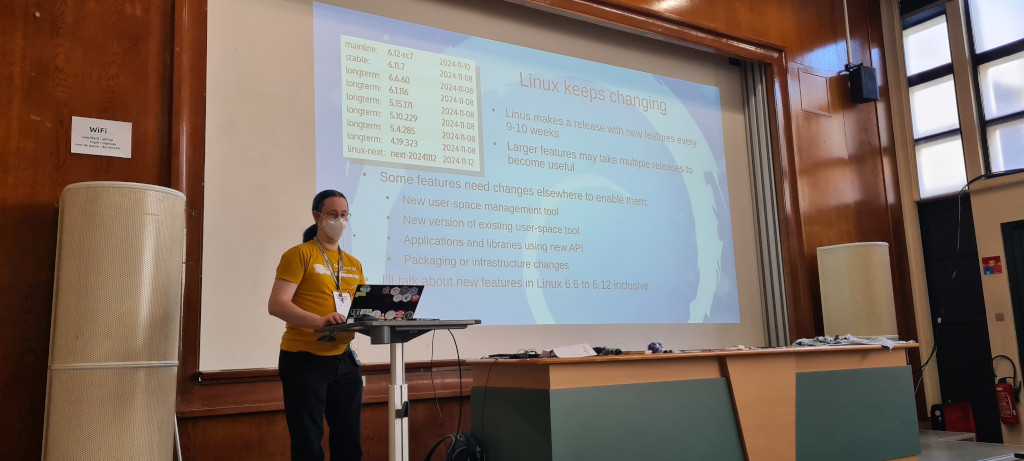
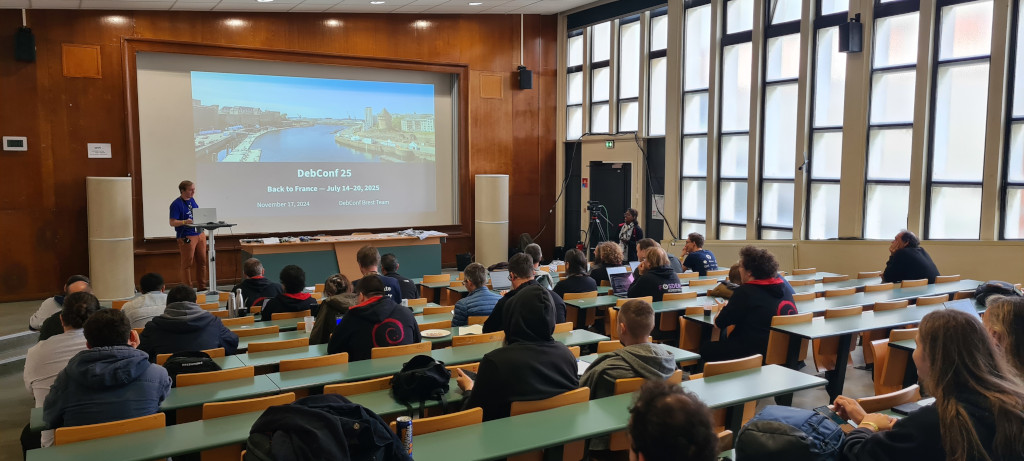
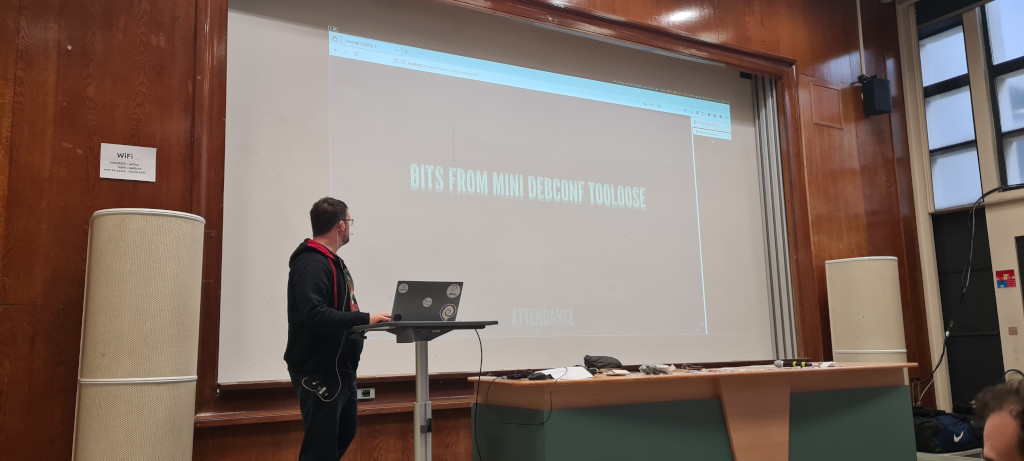
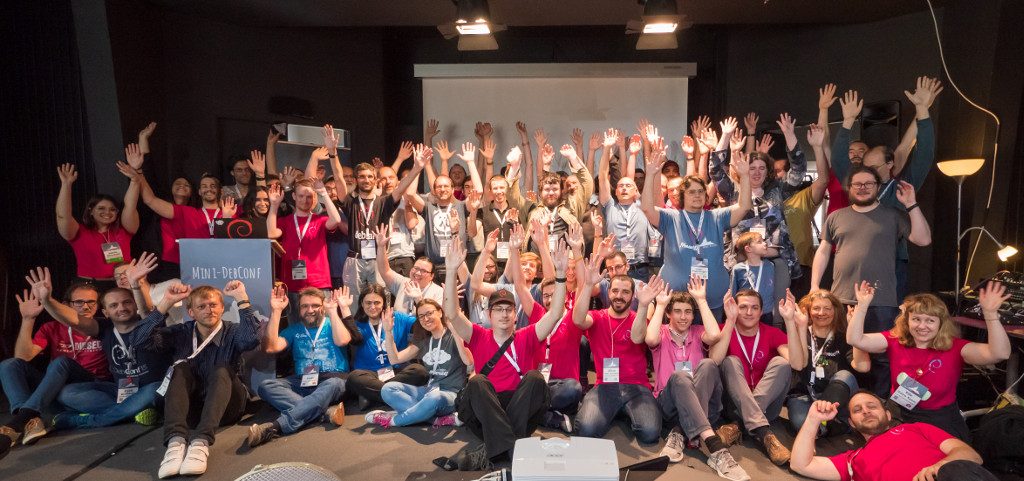
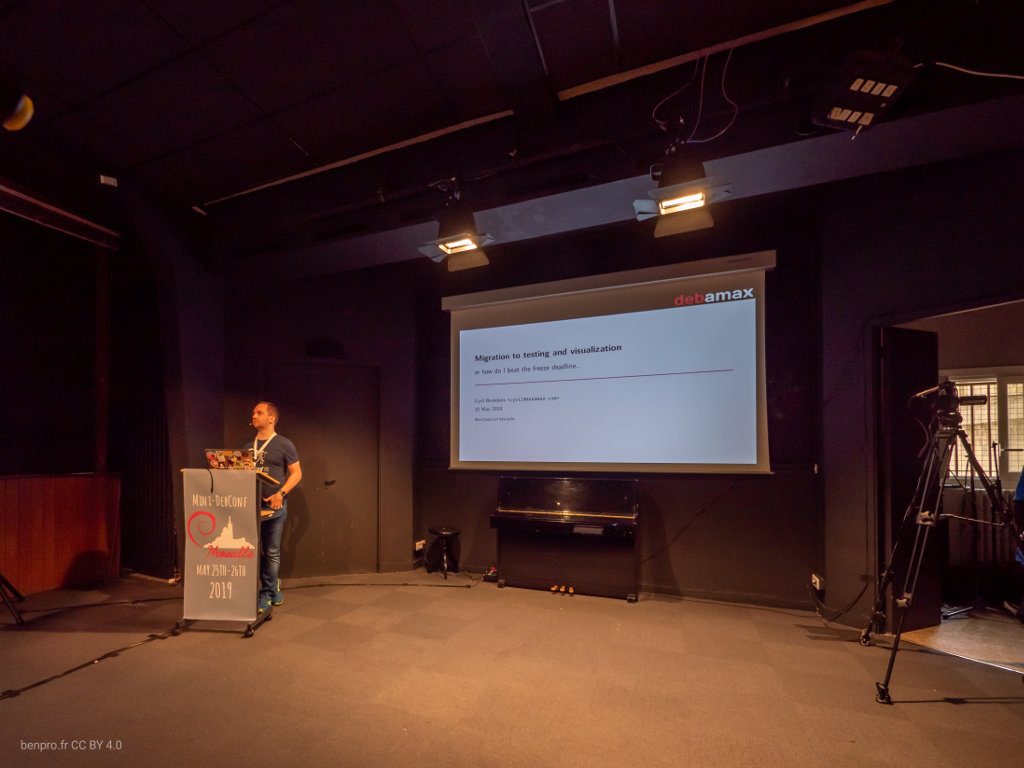
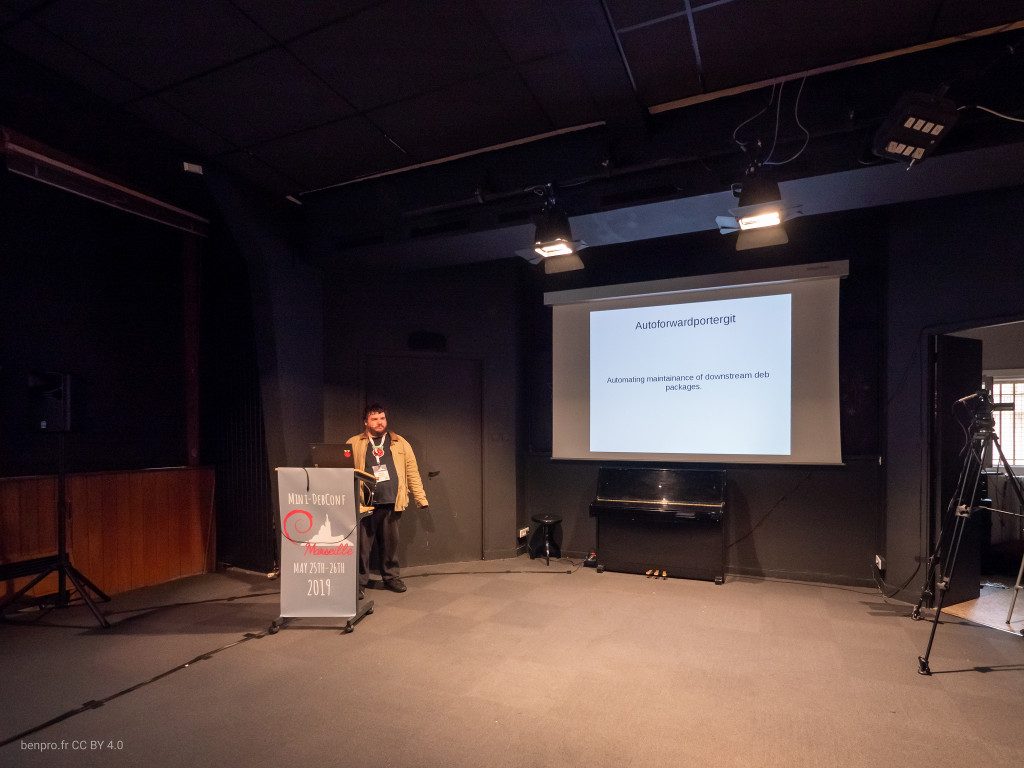
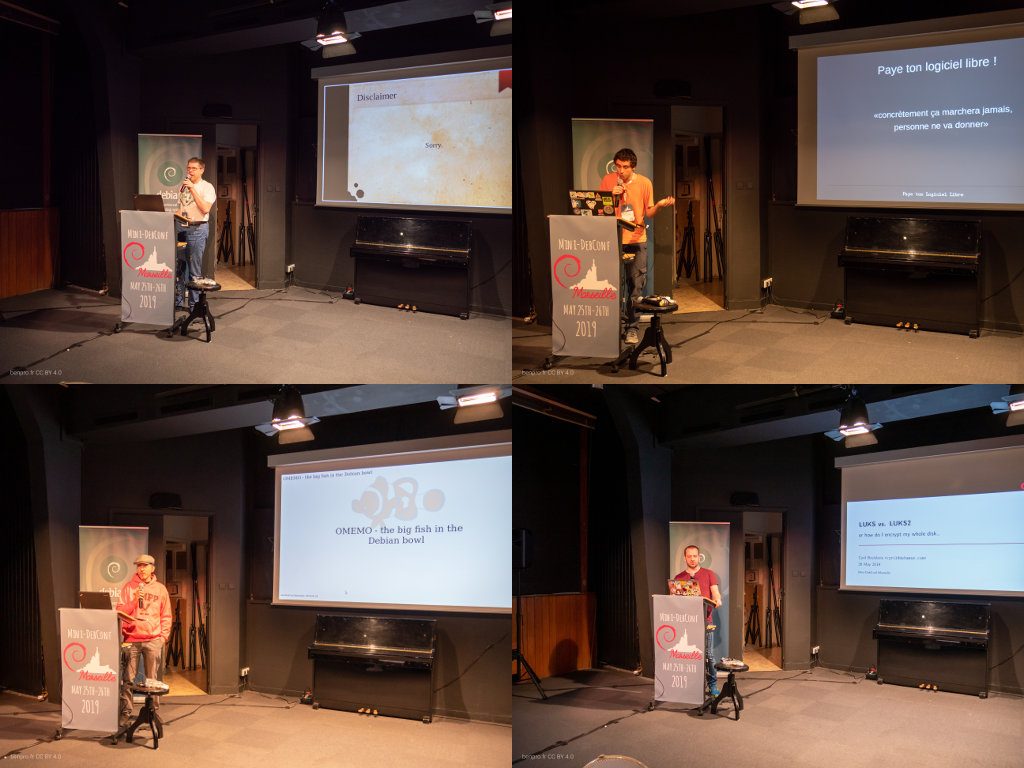
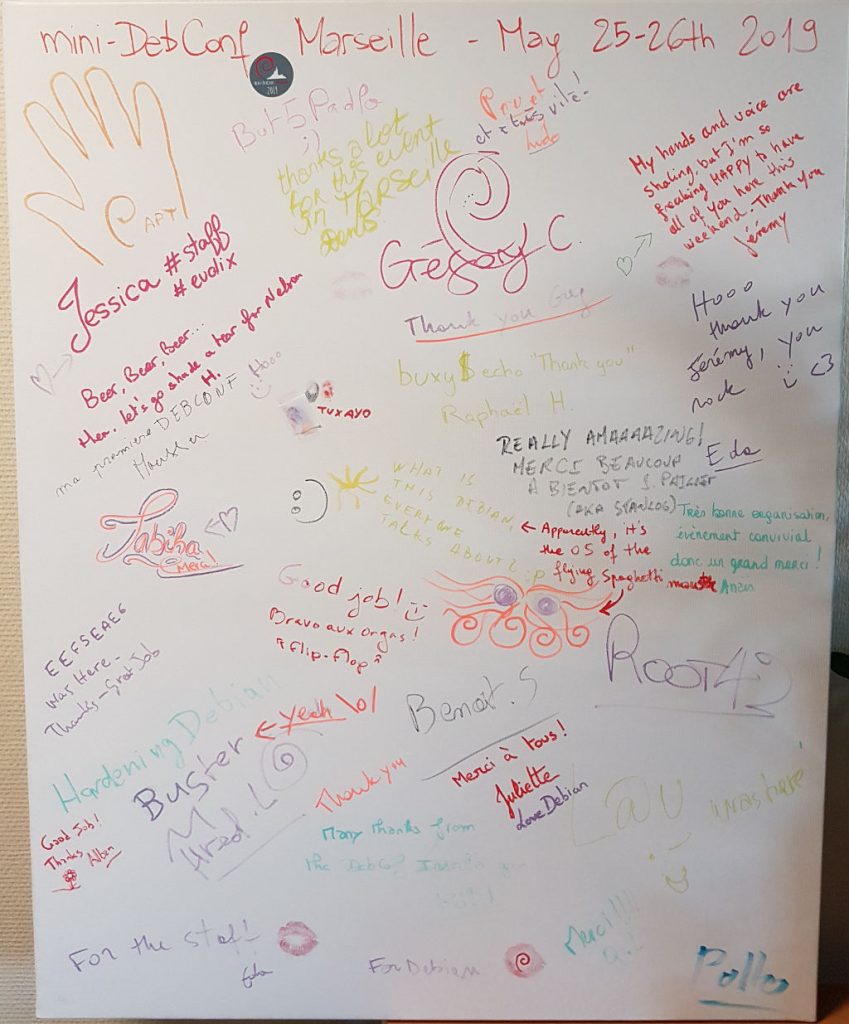
After the MiniDebConf Marseille 2019, COVID-19 made it impossible or difficult to organize new MiniDebConfs for a few years. With the gradual resumption of in-person events (like FOSDEM, DebConf, etc.), the idea emerged to host another MiniDebConf in France, but with a lighter organizational load. In 2023, we decided to reach out to the organizers of Capitole du Libre to repeat the experience of 2017: hosting a MiniDebConf alongside their annual event in Toulouse in November. However, our request came too late for 2023. After discussions with Capitole du Libre in November 2023 in Toulouse and again in February 2024 in Brussels, we confirmed that a MiniDebConf Toulouse would take place in November 2024!
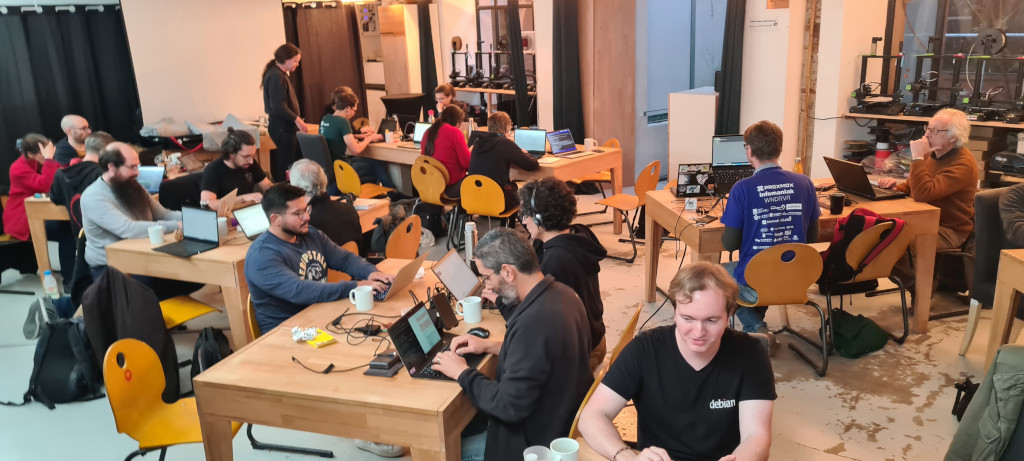
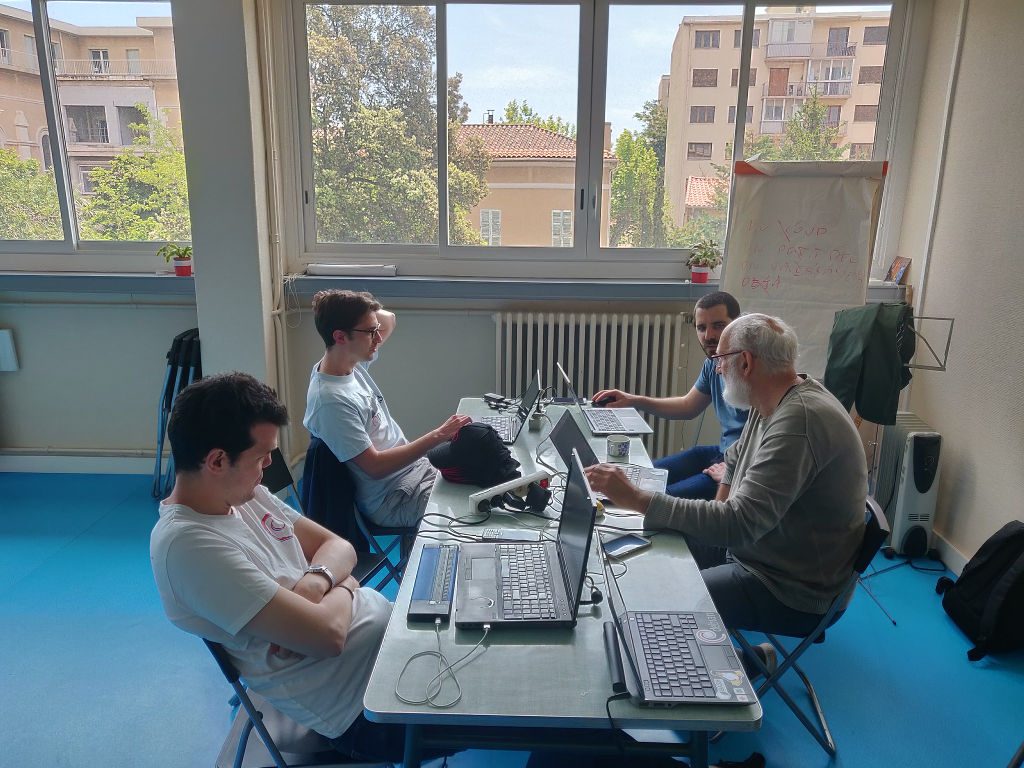
On Thursday, November 14, and Friday, November 15, 2024, about forty developers arrived from around the world (France, Spain, Italy, Switzerland, Germany, England, Brazil, Uruguay, India, Brest, Marseille…) to spend two days at the MiniDebCamp in the beautiful collaborative spaces of Artilect in Toulouse city center.
We’ve had the idea to organize a mini-DebConf in Marseille when we were in Toulouse in 2017. After participating in many DebConfs (mini or not), getting into organizing such an event seemed a good way to give back and contribute to the Debian project.
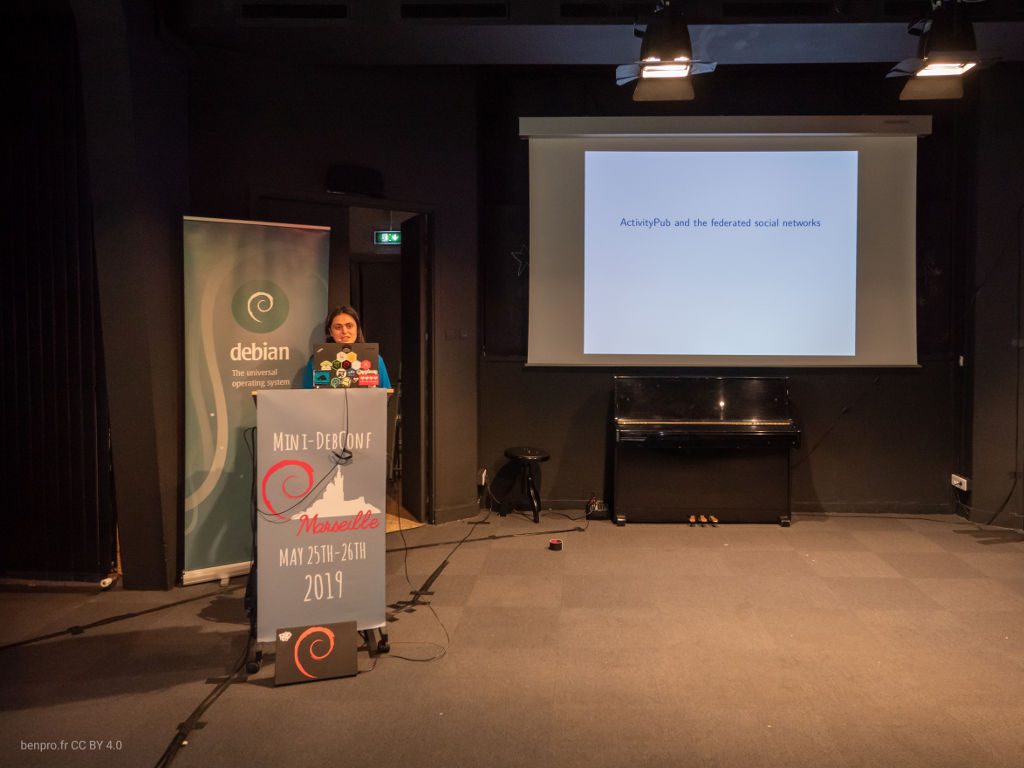
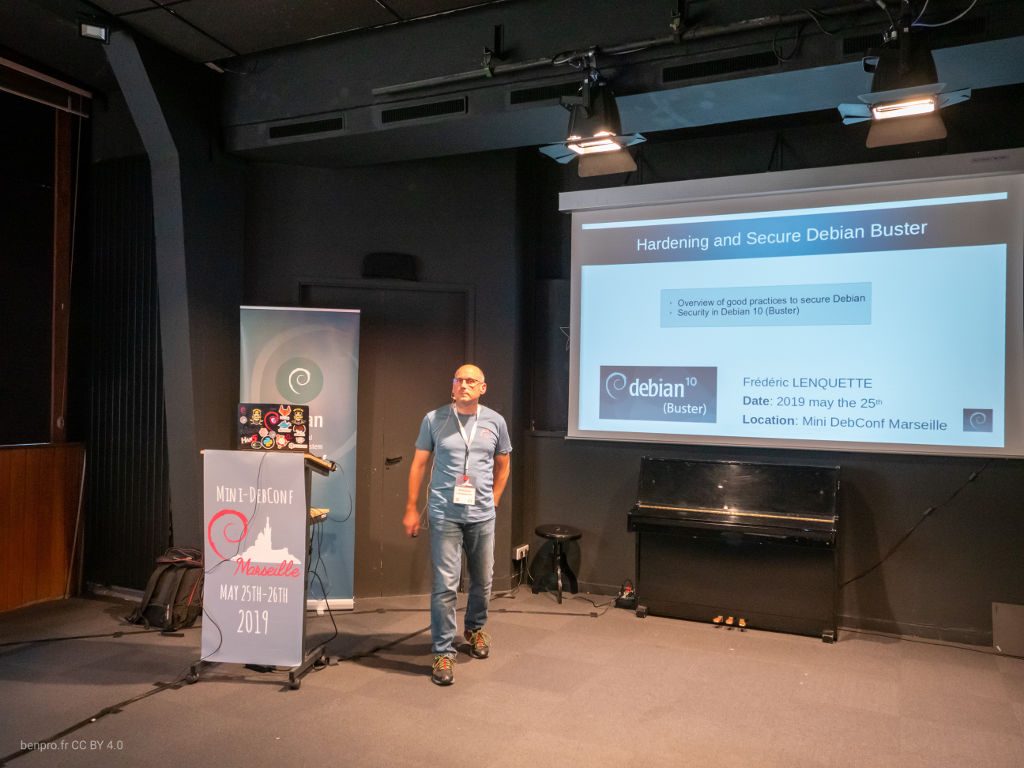
Fast-forward to end of 2018. We’ve gathered a few motivated people and settled for a 50/70 participants event on May 25th/26th. We’ve chosen an appropriate venue in down-town Marseille. I won’t dwelve into organization details (call for speakers, sessions recording, scheduling…) since we plan to share our experience in a rather detailed “Howto organize a mini-DebConf” in the coming days/weeks.
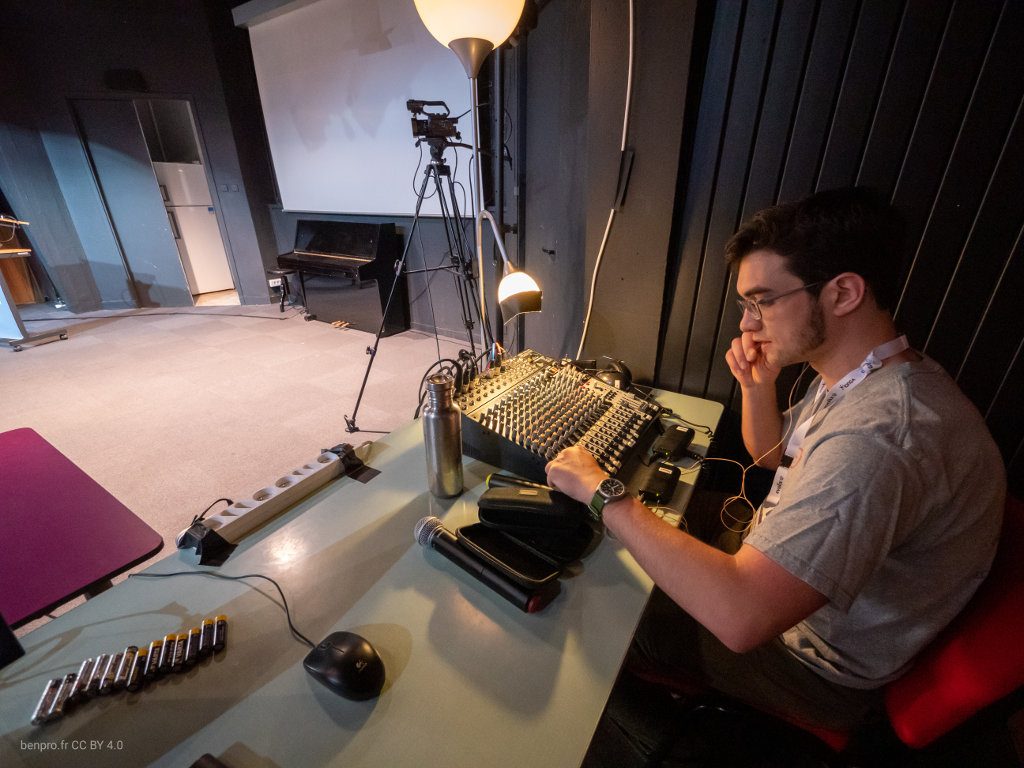
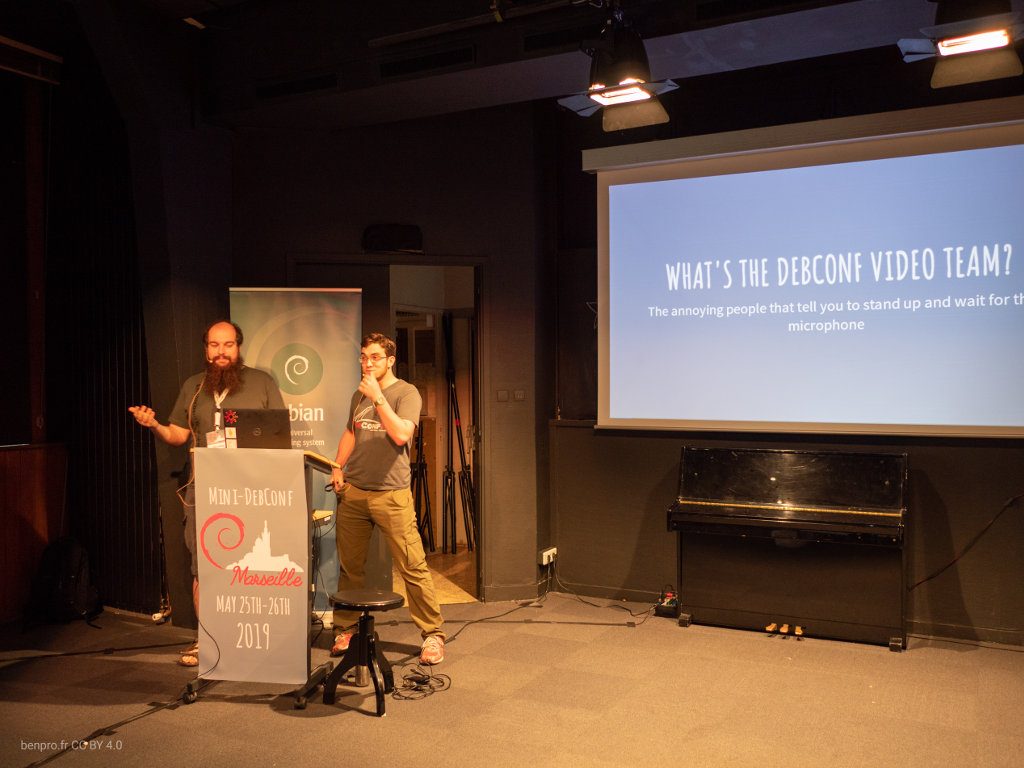
It started on Wednesday 22nd, the wonderful DebConf video team arrived for a 3-days sprint. We had prepared a space for them to work at the venue. This gave a lot more time to setup the conference room than usual. But the main goal of the sprint was to teach new members of the team how to set everything up and be independent, in preparation of the upcoming mini-DebConf Hamburg a couple of weeks later.
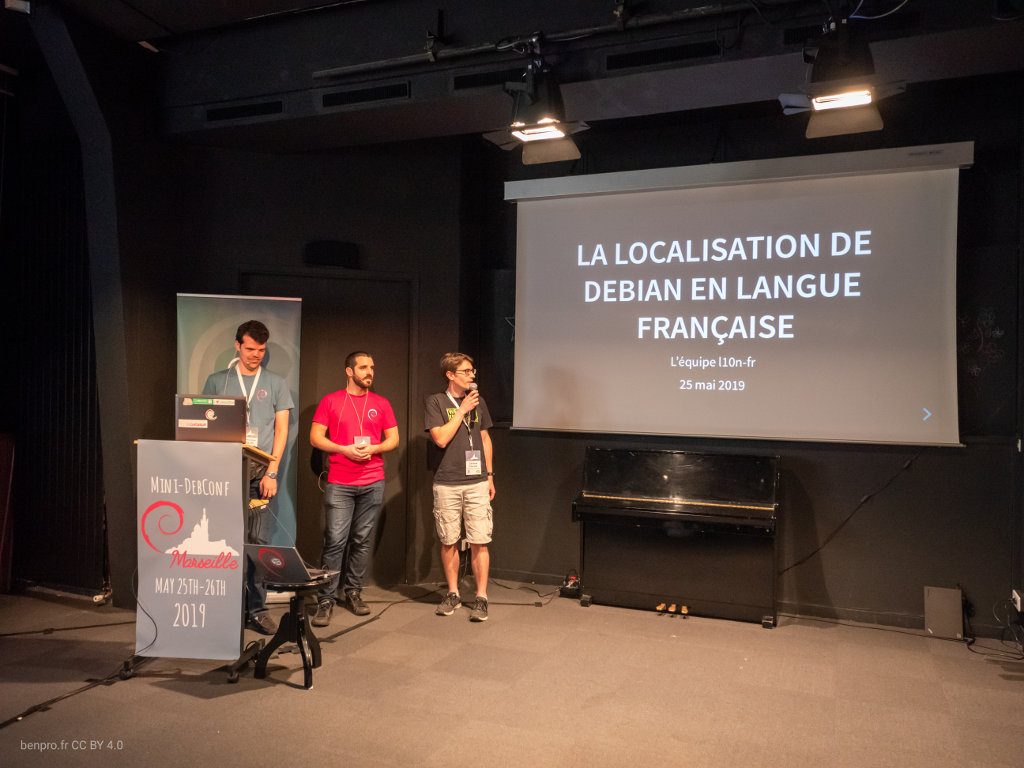
On Friday 24th, the french localization team arrived for a 1-day sprint. Most of them had never met in person! They said this gave a huge boost to the team.
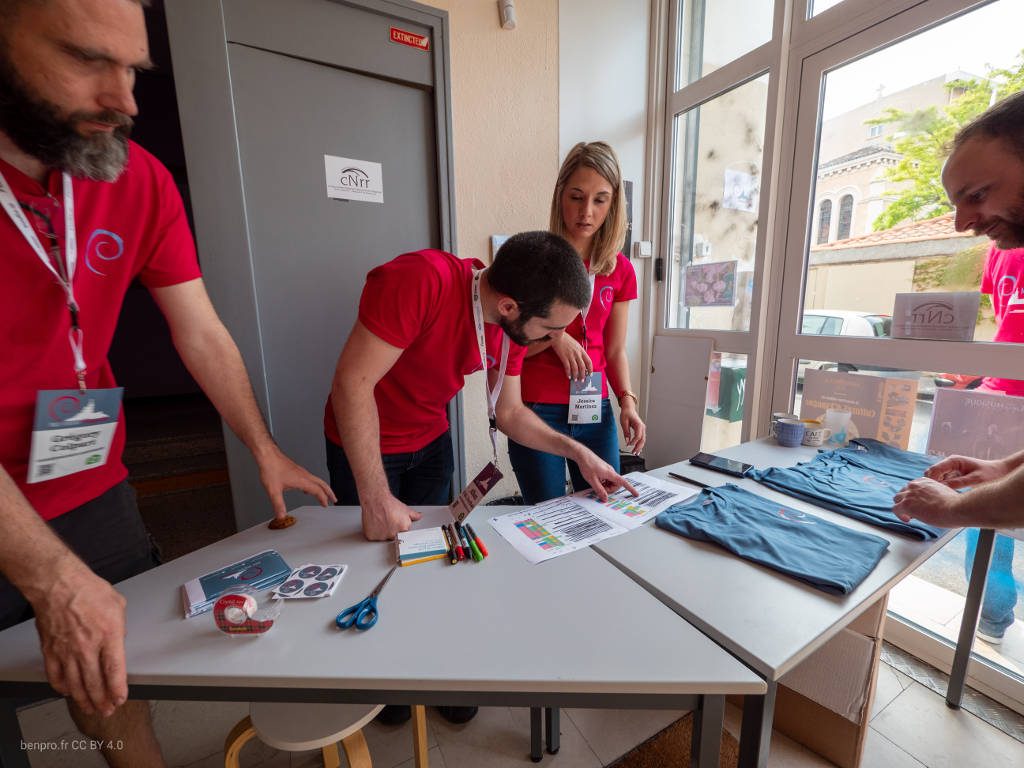
Most of the participants arrived Friday afternoon. The “Front Desk” was ready to welcome them with their badge and branded t-shirt. For ecological reasons, we’ve decided to restrict as much as possible useless goodies, like bags, pens or sponsors marketing material. A PDF booklet had been sent for participants to print at home if they wanted. The Debian France team had the usual goodies to sell at the front desk: mugs, hats, durable tote bags, stickers of all sizes…
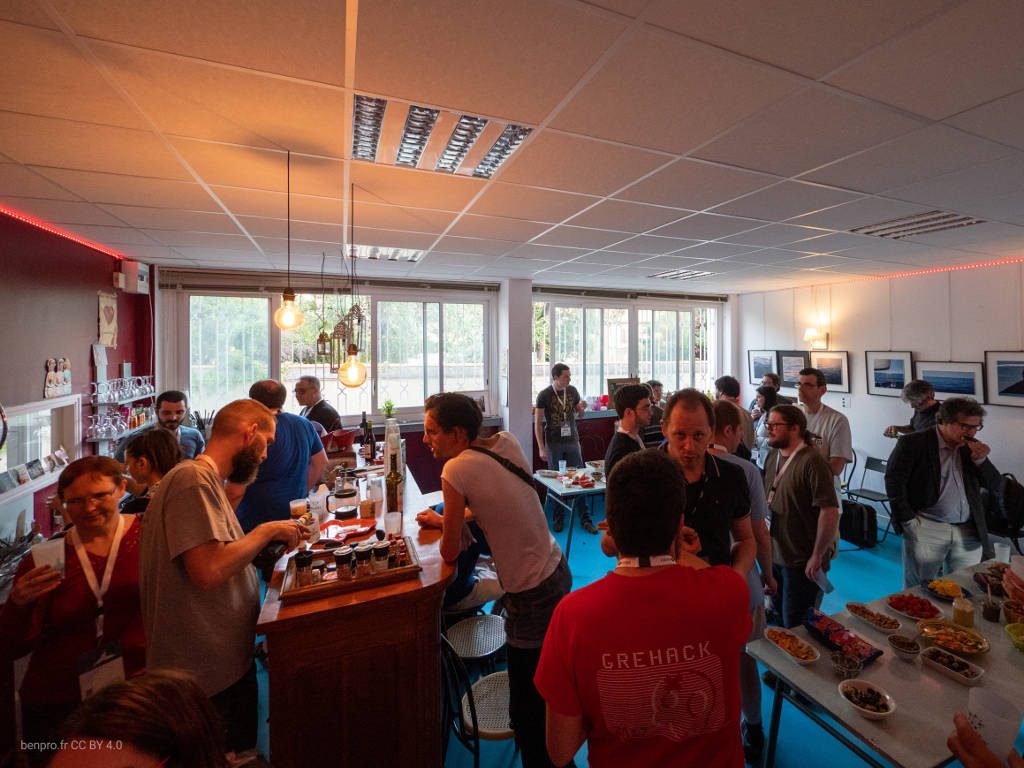
On Friday evening, we’ve had a mini CheeseWineBOF with various local food (cheese, wine, pastis, olives, fruits, vegetables…) and some brought by participants. Thanks to Elena for the great italian cheese and also Judith and Tzafrir!
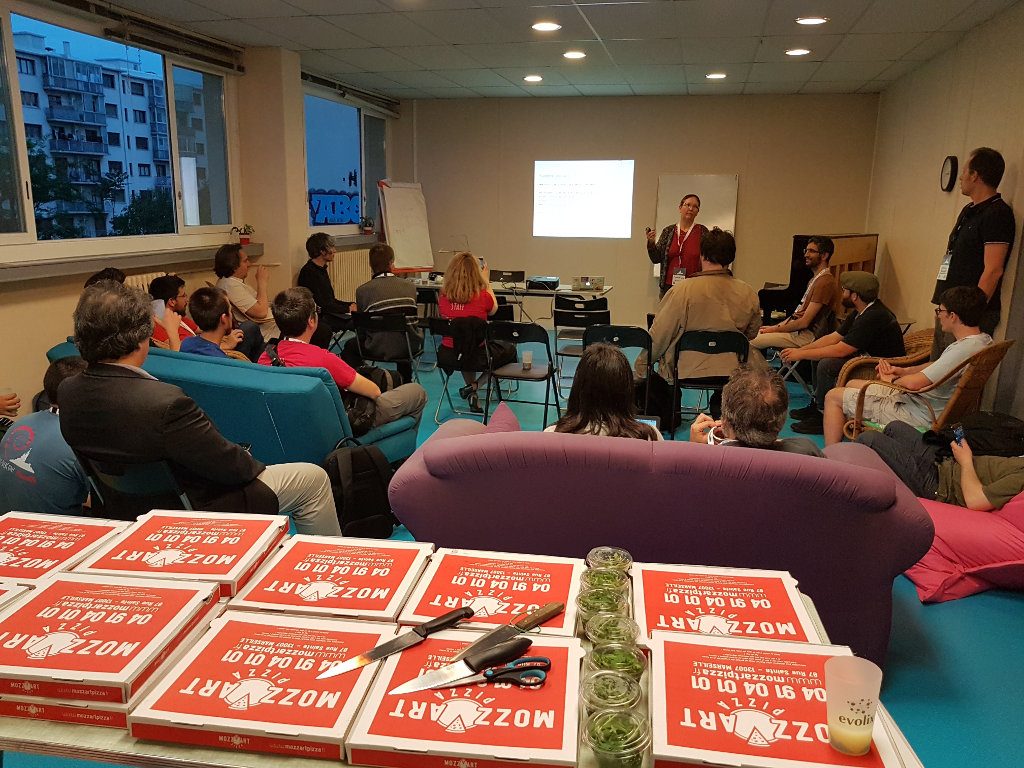
While the video team was struggling with a faulty cable making a ground loop, everyone was then invited to the Provence Linux Users Group meetup. Florence Devouard – a prominent member of the Wikipedia community – gave us a very nice presentation of the Wikipedia and Wikimedia history. The evening ended with a local tradition/specialty: pizzas of Marseille. The conference was already on the right track.
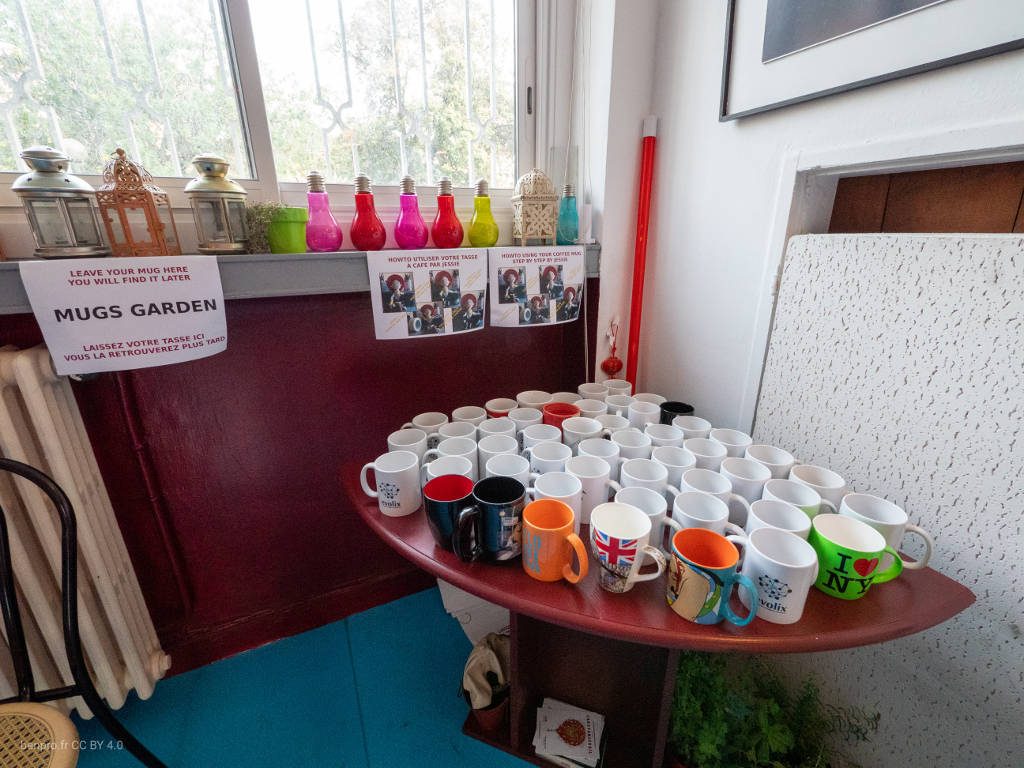
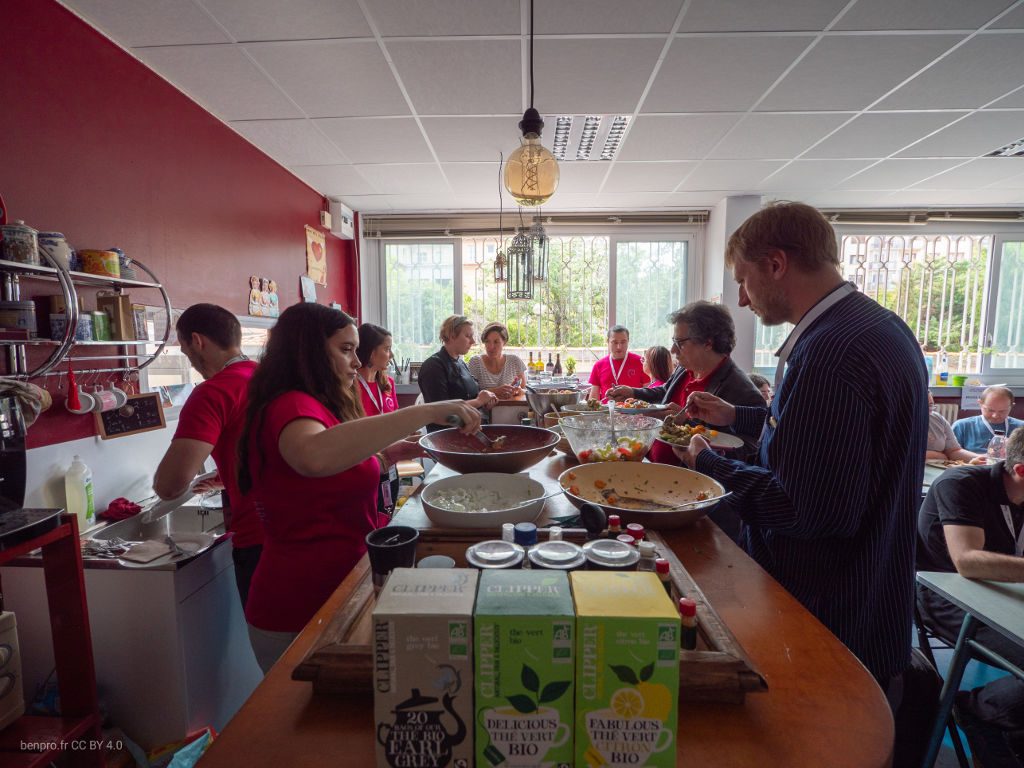
Saturday morning marked the official start of mini-DebConf! We opened the doors at 08:30 with a welcoming breakfast: home-made cookies, fresh coffee beans, fruit juice… During the whole weekend we’ve offered fresh, local, home-made vegetarian food. And with the goal to minimize waste we’ve chosen not to use any disposables. Besides durable dishes/glasses/cutlery, a lot of ceramic mugs were available with tape and pens to customize them and keep them around.
75 people registered. This was the maximum capacity of the venue. 73 people really came, which is a very good attendance rate, especially since it was an all-free conference, where people usually register without being sure to attend. We even had a few non-registered people.
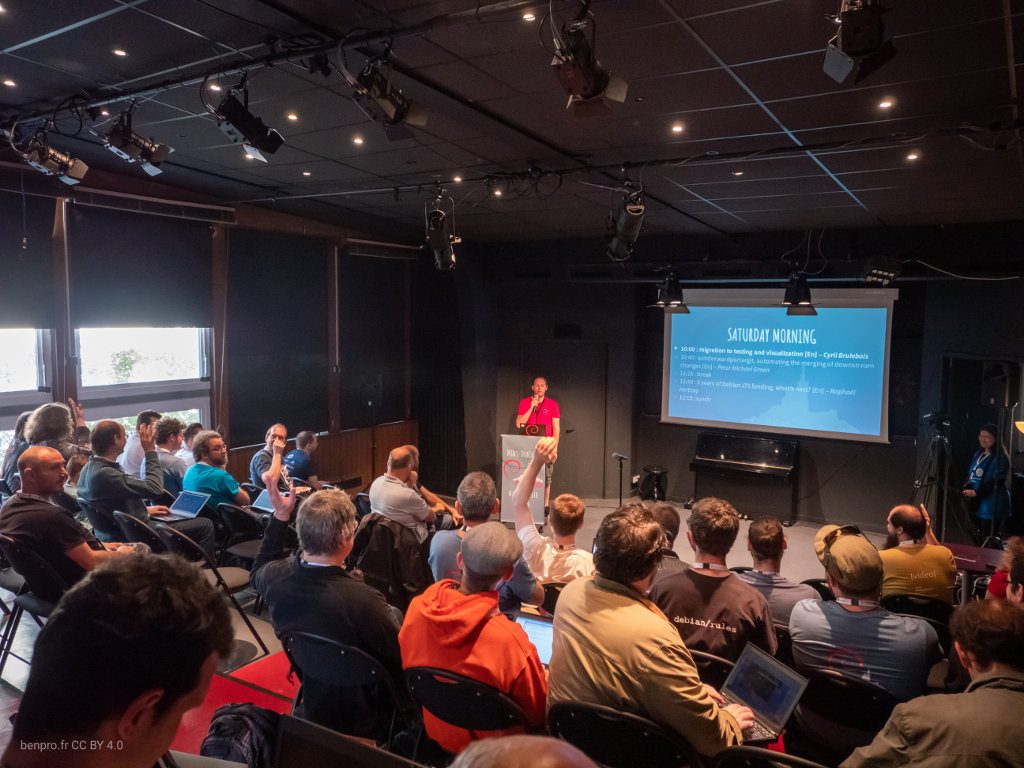
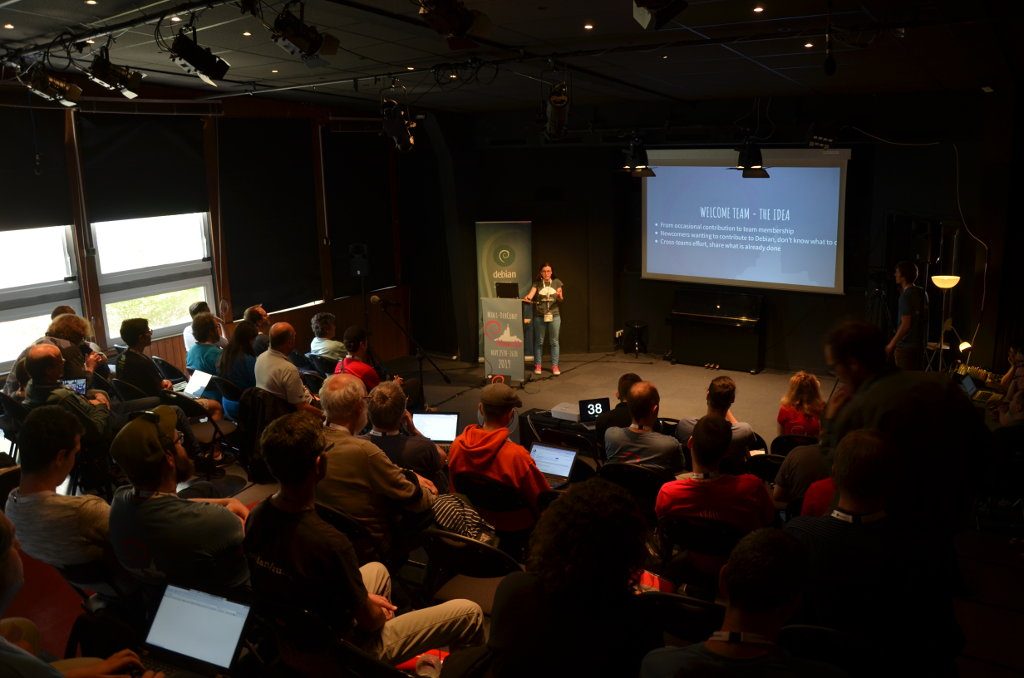
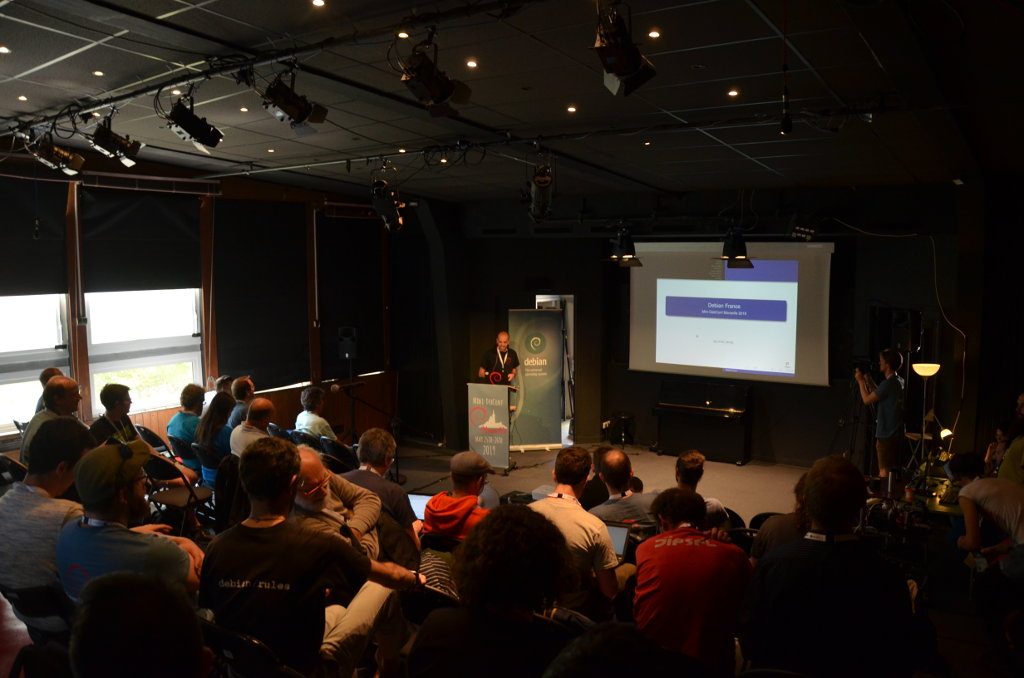
Jérémy gave the welcome talk to a full room of Debian enthusiasts, with an overview of the schedule, presentation of the sponsors, reminder of the Code of Conduct and the photo policy, and various useful/important information…
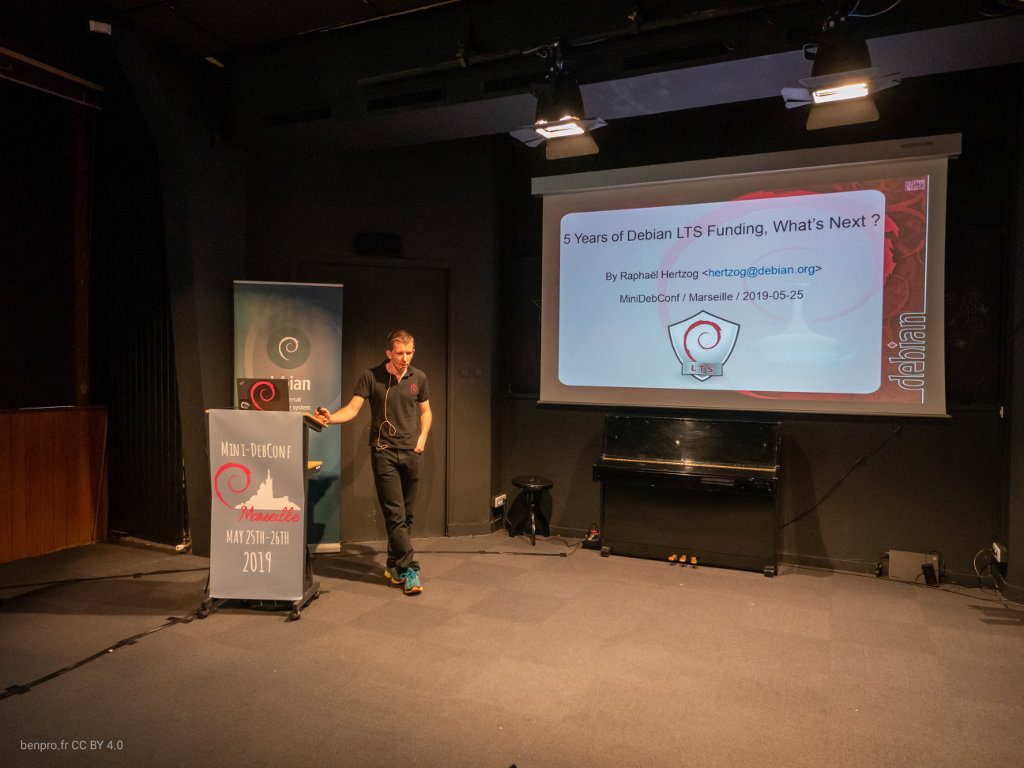
After the coffee break, Raphaël Hertzog told us about 5 years of Debian LTS funding and what’s next. He explained the history of Debian LTS and how it works : managing the sponsors, spreading the workload between developers, the Extended LTS offer, the infrastructure… How to fund contributions in the Debian community is a hot topic which sparked a lot of questions, and even a Lightning Talk on Sunday.
During the lunch break – while the video team was training new volunteers to their tools – everyone was invited to a vegetarian (and mostly vegan) mediterranean buffet. We are very proud of offering home-made food, with local fresh products. Nothing was wasted and everyone was satisfied.
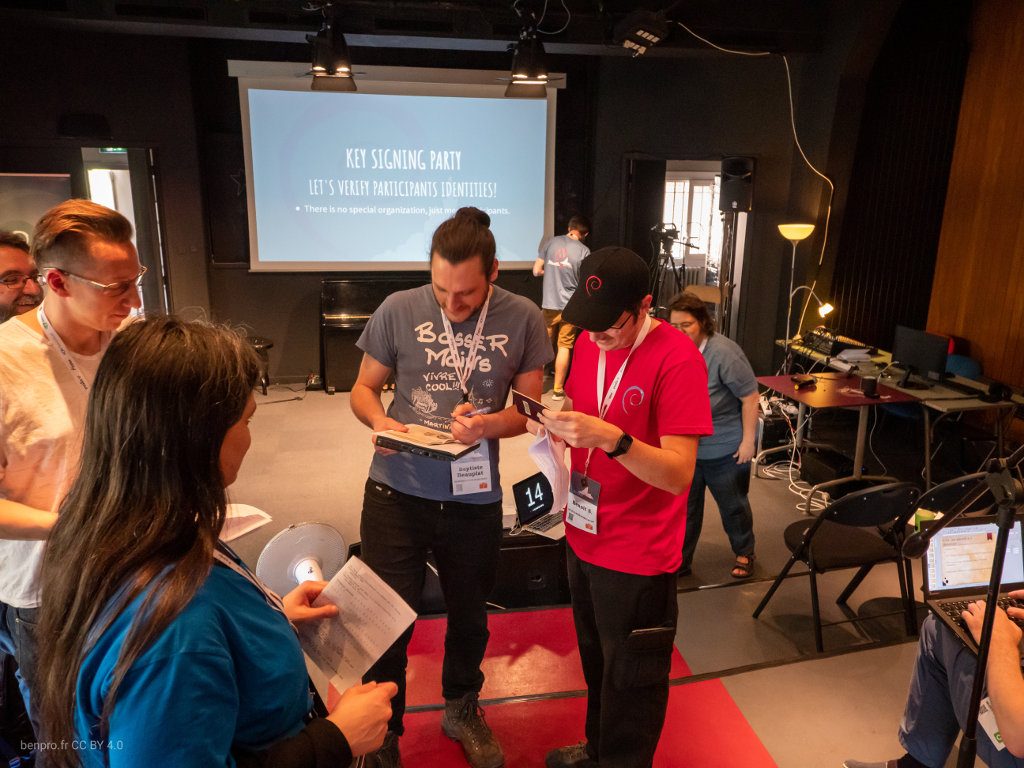
Benoît had organized a KSP (Key Signing Party) that took place after lunch. Approximately 20 people exchanged and verified their GPG key, to broaden their web of trust.
The Debian France organization was presented by Denis Briand – its newly elected president – to introduce the various projects and intended actions (eg. more frequent mini-DebConf events in France). Many people – including french people – discovered the existence of the organization and its important role in the whole Debian community as one of the few Trusted Organizations.
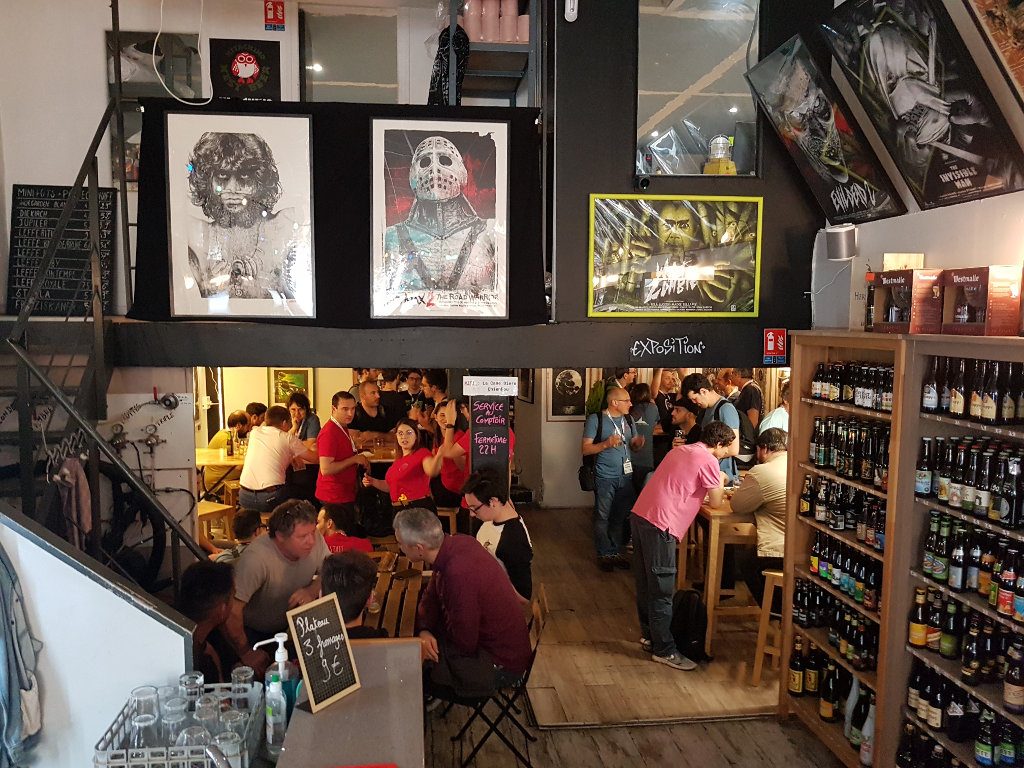
Saturday evening – end of the first day – all the participants were invited to a social event at la Cane Bière, a beer place next to the venue, with a free drink for everyone (materialized by a token made from reused PCB). A few groups then formed and went to various restaurants.
A series of 6 Lightning Talks, organized by Eda covered many various technical and non-technical topics : « kt-update » (Jean-François Brucker), « the Debian Constitution » (Judit Foglszinger), « Elections, Democracy, European Union » (Thomas Koch), « voting methods in Debian » (Raphaël Hertzog), « encrypt the whole disk with LUKS2 » (Cyril Brulebois), « OMEMO – the big fish in the Debian bowl » (Martin) and « Paye ton Logiciel Libre » (Victor).
After some closing remarks by Jérémy, it was already time to pack the video gear. A “brown bag lunch” was available. Some wanted to stay at the venue, to talk, hack… Some were already on their way back home. Many others had registered for a mini Day Trip ; they went down the main avenue of Marseille, to board for the Frioul islands for a good walk in the sun and a quick swim in the sea.
We sincerely want to thank a lot of people for this amazing weekend. Thank you to all 75 participants who came from all around the world (Canada, USA, Israel, UK, Germany, Italy, Spain, Switzerland, Belgium, Australia…). Thank you to the great video team who makes an amazing job capturing and streaming the content of many Debian events. Thank you to Debian France for organizing the event and to the sponsors : Bearstech, Logilab and Evolix. Thank you to La Maison du Chant for the great venue. Thank you to Valentine and Celia for the delicious and much complimented food. Thank you to Florence Devouard for the nice presentation Friday night. Thank you to all the speakers for the time and effort they put to make great content. Thank you to all volunteers who helped making this a great community event : Tristan, Anaïs, Benoît, Juliette, Ludovic, Jessica, Éric, Quentin F. and Jérémy D., with a special mention to Eda, Moussa, Quentin L. and Alban for their involvement and dedication and finally thank you to Sabiha and Jérémy L. who jumped with me in this crazy adventure many months ago : you rock!
My tip of day. When you lose control of a process (for example with a process launched with disown or, another example, when you close your SSH terminal with “unsynced” mutt), thanks gdb.
I have an HTC Hero, an Android phone, for one year. But I never tried to share his network connection with my Debian laptop. To prepare my trip to Debconf10, I try it today and… I’m surprised because it’s so easy!
1. Plug your phone on USB
2. Active “Share your phone network” on phone (in french: “Partage du réseau mobile”)
3. You see now an usb0 ethernet device:
usb0      Link encap:Ethernet  HWaddr a2:17:af:4f:fa:da
BROADCAST MULTICAST  MTU:1500  Metric:1
RX packets:0 errors:0 dropped:0 overruns:0 frame:0
TX packets:0 errors:0 dropped:0 overruns:0 carrier:0
collisions:0 lg file transmission:1000
RX bytes:0 (0.0 B)  TX bytes:0 (0.0 B)
4. Configure usb0 to have the network configuration 192.168.100.100/24 with your favorite tool (ifconfig for example).
5. Now you can ping your phone with 192.168.100.254. Use it as gateway and enjoy: your laptop is now connected with Wi-Fi, GPRS or 3G+!
Note: I use HTC Hero with Android 1.5 (build number: 2.73.61.5) and the french mobile phone provider Orange.
Bus 003 Device 003: ID 12d1:1003 Huawei Technologies Co., Ltd. E220 HSDPA Modem / E270 HSDPA/HSUPA Modem
And dmesg info:
[208765.818448] option 3-1:1.0: GSM modem (1-port) converter detected
[208765.818448] usb 3-1: GSM modem (1-port) converter now attached to ttyUSB3
[208765.830451] usb-storage: probe of 3-1:1.1 failed with error -5
[208765.830451] option 3-1:1.1: GSM modem (1-port) converter detected
[208765.830451] usb 3-1: GSM modem (1-port) converter now attached to ttyUSB4
[208765.830502] scsi12 : SCSI emulation for USB Mass Storage devices
[208765.834458] usb 3-1: New USB device found, idVendor=12d1, idProduct=1003
[208765.834458] usb 3-1: New USB device strings: Mfr=1, Product=2, SerialNumber=0
[208765.834458] usb 3-1: Product: HUAWEI Mobile
[208765.834458] usb 3-1: Manufacturer: HUAWEI Technologies
[208765.834458] usb-storage: device found at 3
[208765.834458] usb-storage: waiting for device to settle before scanning
[208770.863868] usb-storage: device scan complete
[208770.866850] scsi 12:0:0:0: CD-ROM            HUAWEI   Mass Storage     2.31 PQ: 0 ANSI: 2
[208770.887881] sr0: scsi-1 drive
[208770.887881] sr 12:0:0:0: Attached scsi CD-ROM sr0
[208770.887881] sr 12:0:0:0: Attached scsi generic sg1 type 5
For connecting, I tried an infamous GUI distributed by Vodafone in Debian package. Too buggy, too complex. The best solution is using a PPP chatscript.
Then, plug USB key, sleep 20 and unlock it:
echo 'at+cpin="1234"' > /dev/ttyUSB3
Note: 1234 is PIN code (or not) and /dev/ttyUSB3 is modem device.
All Horde packages (horde3, imp4, kronolith2…) were in GNU Arch repository. After Lenny release, we decided to migrate to Git. Git has a lot cool features, and I was convinced by Pierre Habouzit talk about Packaging with Git. Technically, I used git-archimport to keep all history of packaging. Each package has a Git repository with some branches: upstream, upstream+patches, upstream+repack (if needed), pristine-tar, debian-sid (imported from GNU Arch) and debian-<release>. The hardest step was to set up a common ancestor for debian-sid and upstream branches: I found git-merge-unrelated-branch script to do it automagically. I write guidelines for packaging Horde with Git on Debian Wiki with some notes about migration from GNU Arch to Git. Comments welcome!
ldapvi is so wonderful. No Java/Python/PHP for “browsing” LDAP trees and the power of vi for LDAP administration. Nevertheless, today I had difficulty for deleting a facsimileTelephoneNumber attribute:
$ ldapvi
Action? [yYqQvVebB*rsf+?] y
ldap_modify: Inappropriate matching (18)
additional info: modify/delete: facsimileTelephoneNumber: no equality matching rule
Since the schema definition of facsimileTelephoneNumber has no matching rule
defined, the only modifications you can make are Replace or Delete w/ no
values.
facsimileTelephone attribute actually doesn’t have SYNTAX definition. See in core.ldif file:
Number olcAttributeTypes: ( 2.5.4.23 NAME ( 'facsimileTelephoneNumber' 'fax' )
  DESC 'RFC2256: Facsimile (Fax) Telephone Number'
  SYNTAX 1.3.6.1.4.1.1466.115.121.1.22 )
By default, ldapvi tries to delete a specific value (even if there is only one value) for an attribute. But according documentation, it’s impossible to delete only one of values for facsimileTelephoneNumber attribute!
Note: for deleting all values of facsimileTelephoneNumber attribute, the LDIF change must be:
I have a Xen dom0 with nat-mode and IPv6 enabled. Set up IPv6 in Xen domU is like a classical IPv6 network: add IPv6 addresses on vif interfaces on dom0 and IPv6 addresses on domU (manually or with radvd on dom0). The only tip is how adding IPv6 addresses on vif interfaces which are dynamically created by Xen. Here is my dirty hack to do it on /etc/xen/scripts/vif-nat file:
I apply (2007-07-26)
I am advocated (2007-07-26)
Mail from FD(myon) (2007-08-12)
I reply (2007-08-15)
FD(myon) says OK (2007-08-17)
AM assigned (2007-12-05)
First mails from my AM(white) (2007-12-06)
ID check done (2007-12-07)
P&P1 check done (2007-12-21)
P&P2 check done (2008-01-17)
T&S1 check done (2008-05-04)
T&S2 check done (2008-05-13) AM report(2008-05-13)
FD(wouter) check done (2008-07-23)
DAM(myon) approval (2008-09-03)
Account created by DSA(weasel) (2008-09-08)
Debian Beer/Pastis Party in Marseille(2008-09-15)
Thanks to all Debian people in particular opal, lmamane, white, madcoder, myon, wouter and weasel.
Tags: Debian, NM Posted in Debian, English | Comments Off on History of my NM application